How to Create Perfect Passport Photos in Minutes
Creating professional passport photos has never been easier. Our AI-powered passport photo maker simplifies the entire process, allowing you to create government-compliant passport photos from the comfort of your home. Whether you need photos for Indian passports, visa applications, or any other official documents, our tool ensures perfect results every time.
1
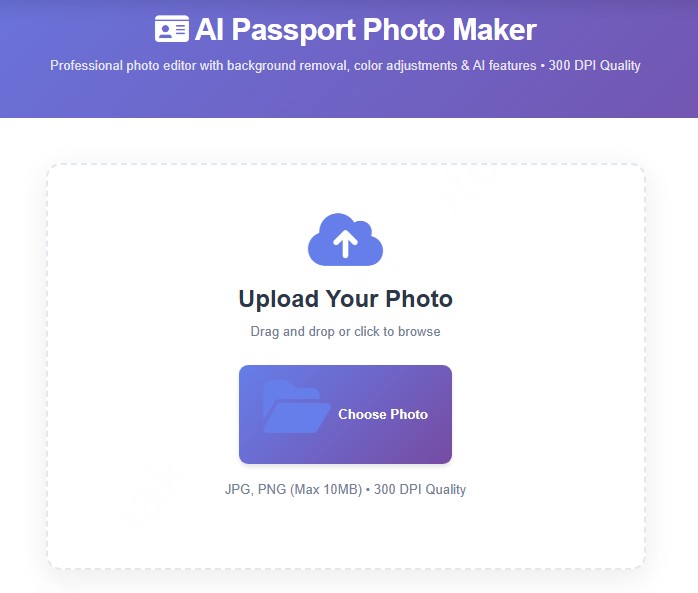
Upload Your Photo
Select and upload any photo from your device. Our tool accepts JPG and PNG formats up to 10MB.
Use any recent photo taken with your smartphone or camera.
2
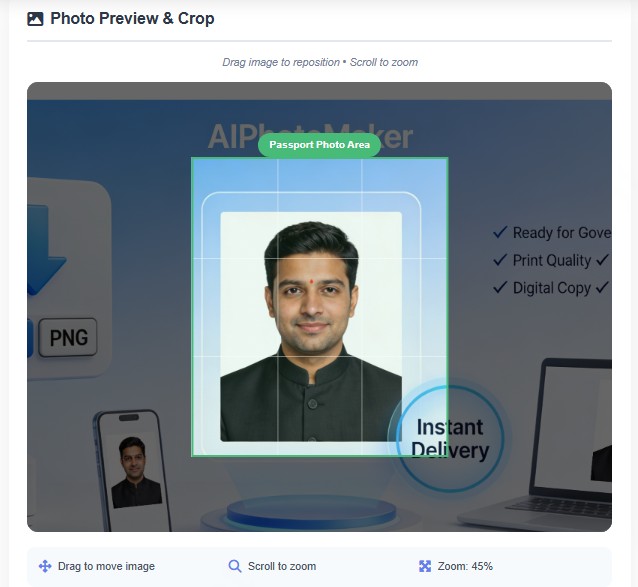
Edit & Adjust
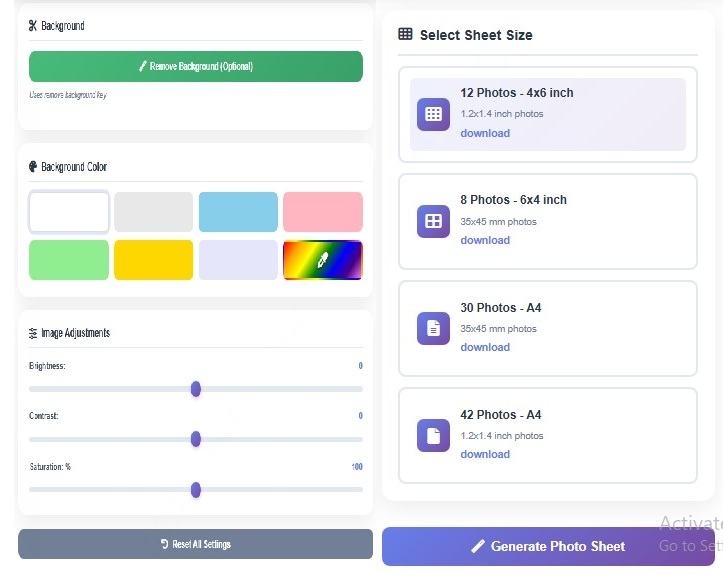
Use our professional editing tools to perfect your photo. Adjust brightness, contrast, and saturation.
Remove background automatically and choose from multiple background colors.
3
Select Photo Size
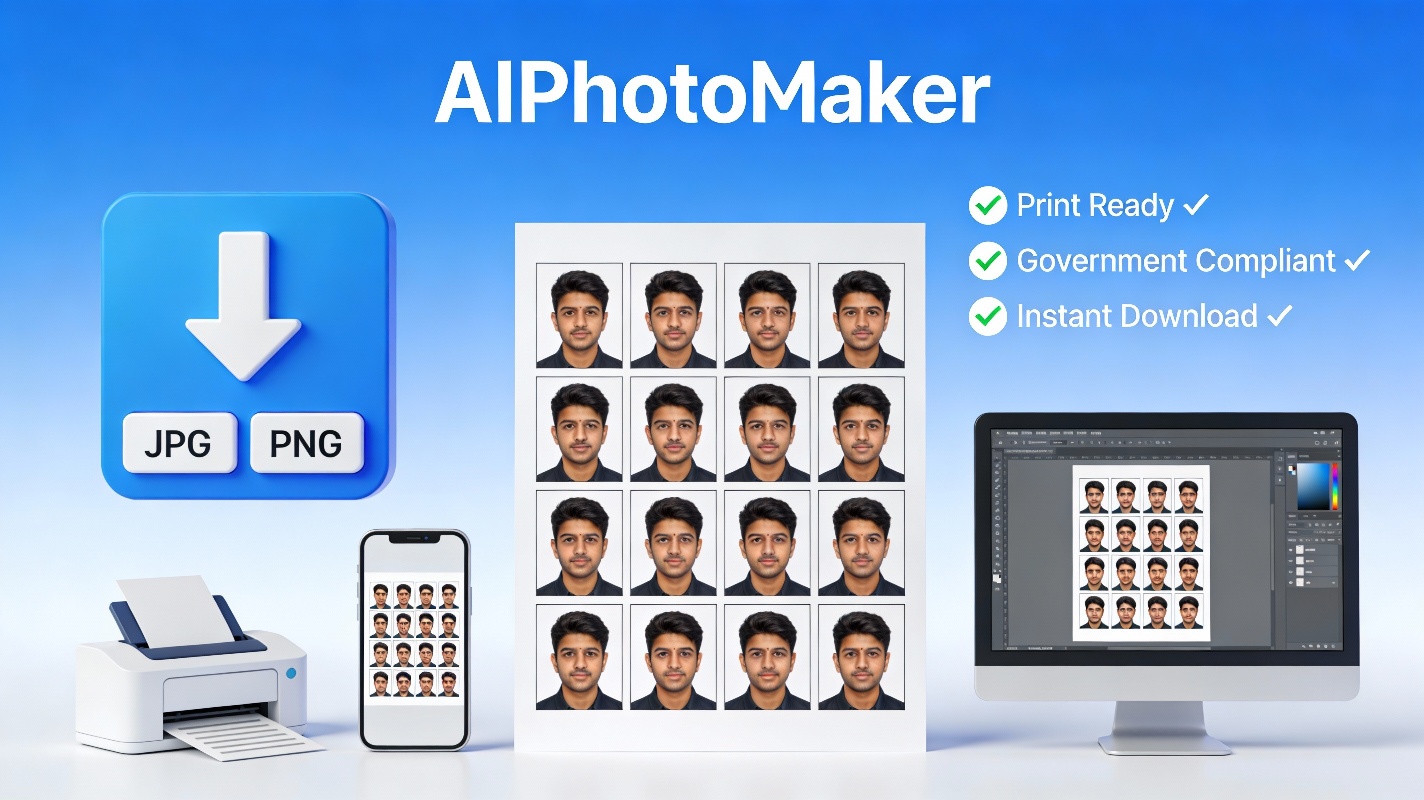
Choose from multiple sheet sizes including 4x6 inch (12 photos) or A4 (30-42 photos).
Each option is optimized for different passport and visa requirements.
4
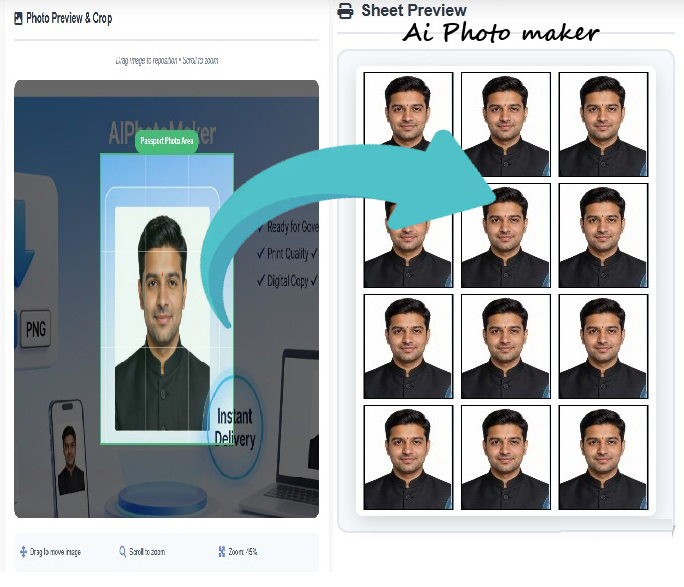
Generate & Preview
Click generate to create your passport photo sheet. Preview the final result with proper dimensions, borders,
and layout before downloading.
5
Download & Print
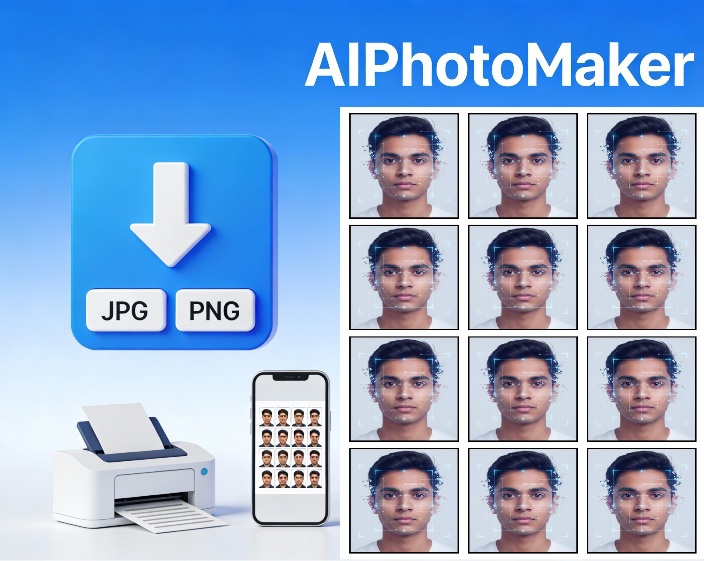
Just Free and instantly download your high-resolution 300 DPI photo sheet.
Print at any local photo shop or use online printing services.
6
Use for Applications
Your passport photos are ready to use for passport applications, visa forms, government documents,
ID cards, and other official purposes.
The entire process takes less than 5 minutes and eliminates the need for expensive photo studio visits.
Our tool automatically handles technical requirements like dimensions, resolution, and formatting, so you can
focus on getting your application submitted quickly.
Powerful Features for Professional Results
Our passport photo maker combines advanced AI technology with user-friendly controls to deliver studio-quality
results. Every feature is designed to make creating compliant passport photos simple and hassle-free.
AI Background Removal
Automatically remove backgrounds with one click. Perfect for converting casual photos into professional
passport photos.
Custom Background Colors
Choose from preset colors or pick any custom color. Support for white, light blue, light gray backgrounds
as per requirements.
Advanced Adjustments
Fine-tune brightness, contrast, and saturation levels. Professional-grade color correction tools at your
fingertips.
Drag & Zoom Controls
Position your face perfectly within the passport frame. Zoom in or out and drag to adjust placement precisely.
Multiple Size Options
Choose from 4X6 inch or A4 sheets. Get 8-42 photos per sheet depending on selected size and requirements.
300 DPI Quality
All photos are generated at professional 300 DPI resolution. Perfect for high-quality printing without
pixelation.
Auto Borders
Automatic 5px black borders around each photo. Ensures proper separation when cutting printed photos.
Compliance Guaranteed
Photos meet Indian passport specifications including size, resolution, and format requirements.
Mobile Friendly
Works perfectly on smartphones and tablets. Create passport photos anywhere, anytime without desktop.
Instant Download
Download your photos immediately for Free. No price, No waiting, no delays - get your files in seconds.
Affordable Pricing
Starting at Free for any photos. Save hundreds compared to traditional photo studios.
Secure & Private
Your photos are processed securely and never stored permanently. Complete privacy guaranteed.
Why Choose AIPhotoMaker for Passport Photos?
When it comes to creating passport photos online, choosing the right tool makes all the difference.
Here's why thousands of users trust AIPhotoMaker for their passport photo needs.
Save Time and Money
Traditional photo studios charge ₹ 200-500 for passport photos and require you to travel, wait in queues,
and return later to collect prints. With AIPhotoMaker, create professional passport photos in 5 minutes from home for
just Free. For families needing multiple passport photos, the savings multiply significantly. No more taking time off
work or dealing with studio appointments.
Professional Quality Guaranteed
Our AI-powered tool ensures every photo meets official passport specifications. The 300 DPI resolution guarantees
crystal-clear prints, while automatic dimension calculations ensure perfect sizing. Professional photographers
use similar tools, but now this technology is accessible to everyone at a fraction of the cost.
Complete Control and Flexibility
Unlike photo studios where you get limited shots and minimal editing options, AIPhotoMaker gives
you unlimited attempts to get the perfect photo. Adjust brightness to compensate for poor lighting,
modify contrast for better clarity, and fine-tune saturation levels. Don't like the result? Simply upload
another photo and try again - no extra charges.
Instant Results
Need passport photos urgently ? Traditional studios often require 24-48 hours for processing. With AIPhotoMaker,
your photos are ready for download immediately Free. This is perfect for last-minute visa applications,
urgent passport renewals, or emergency travel situations where every hour counts.
Multiple Format Support
Different countries and documents have different passport photo requirements. Our tool supports various sizes
including standard Indian passport photos (35X45mm), international formats, and custom sizes. Whether you need photos
for Indian passports, US visa applications, or any other document, we've got you covered.
Privacy and Security
Your photos are your private property. Unlike cloud-based tools that store images indefinitely, we process photos
securely and don't retain them permanently. Your personal images remain yours alone, giving you complete peace
of mind about data privacy and security.
Frequently Asked Questions
Q: What photo formats can I upload?
A: You can upload JPG, JPEG, and PNG image formats. The maximum file size is 10MB.
We recommend using high-resolution photos from your smartphone or camera for best results.
Q: Are these photos acceptable for Indian passport applications?
A: Yes, absolutely! Our photos meet all Indian passport specifications including size
(35X45mm or 2X2 inches), resolution (300 DPI), white background, and proper dimensions. They are accepted by passport
offices and PSK centers across India.
Q: How much does it cost?
A: Pricing starts at just Free for a 4X6 inch sheet containing 12 photos, and also Free
for an A4 sheet containing 30-42 photos. This is significantly cheaper than photo studios which charge ₹ 200-500 for
similar services.
Q: Can I remove the background automatically?
A: Yes! Click the "Remove Background" button and our AI will automatically remove the
existing background. You can then choose any background color you need - white, light blue, light gray, or any custom
color.
Q: What resolution are the final photos?
A: All photos are generated at professional 300 DPI (dots per inch) resolution.
This ensures excellent print quality and is the standard requirement for passport and visa photos worldwide.
Q: How do I print the downloaded photos?
A: After downloading, you can print the photo sheet at any local photo printing shop or
use online printing services. The photos include automatic borders for easy cutting. Just ask for a standard photo
print at your nearest shop.
Q: Can I use this tool on my mobile phone?
A: Yes! AIPhotoMaker is fully mobile-responsive and works perfectly on smartphones
and tablets. You can take a selfie, upload it, and create passport photos entirely from your mobile device.
Q: What if I'm not satisfied with the results?
A: You can preview your final photo sheet before making any payment.
This allows you to check the quality and make adjustments if needed. Only proceed with payment when
you're completely satisfied with the results.
Q: Do you store my photos?
A: No, we prioritize your privacy. Photos are processed securely for creating passport
sheets and are not stored permanently on our servers. Your images remain private and secure.
Q: Can I use these photos for visa applications?
A: Yes! The photos work for various international visa applications including US, UK,
Canada, Australia, and Schengen visas. Just ensure you check specific country requirements for background color
and dimensions.